

Push data into a table over the web.
How it works
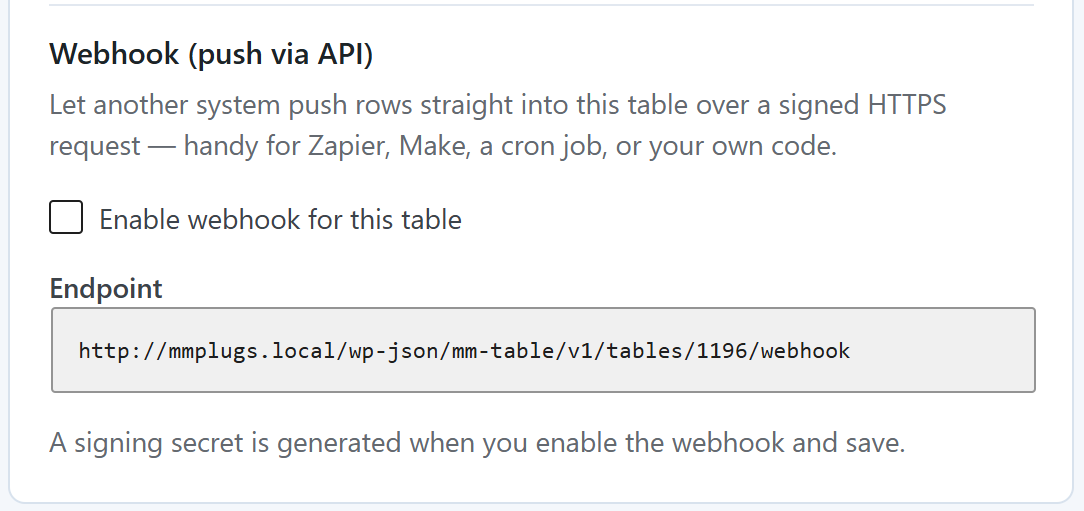
Per-table endpoint
Every table exposes its own URL at /wp-json/mm-table/v1/tables/{id}/webhook. Enable it on the table you want to receive data.
Signed, not logged in
The request is authenticated with an HMAC-SHA256 signature of the body, using the table’s secret. The signature is the credential — no cookies or passwords travel with it.
Simple JSON body
Generate a fresh signing secret any time from the table’s settings. Old signatures stop working immediately.
Clear responses
You get a JSON result with the row and column counts on success, and 403 / 400 / 404 with a reason when something’s off.
Triggers the rest
A successful push fires the same downstream updates as an edit — so directories and views built on the table refresh too.
Imagination: The Only Limit
What will you build with this powerful API?
import hmac, hashlib, requests, json

url    = "https://example.com/wp-json/mm-table/v1/tables/42/webhook"
secret = b"your-table-secret"
body   = json.dumps({"rows": [["Ada Lovelace", "[email protected]"]]})

sig = hmac.new(secret, body.encode(), hashlib.sha256).hexdigest()
requests.post(url,
    data=body,
    headers={
        "Content-Type": "application/json",
        "X-MMT-Signature": "sha256=" + sig,
    })
Feed your tables from anywhere
From $69/year for a single site. 30-day money-back, cancel any time.