See your plugin’s attack surface the way an auditor would.
What it maps
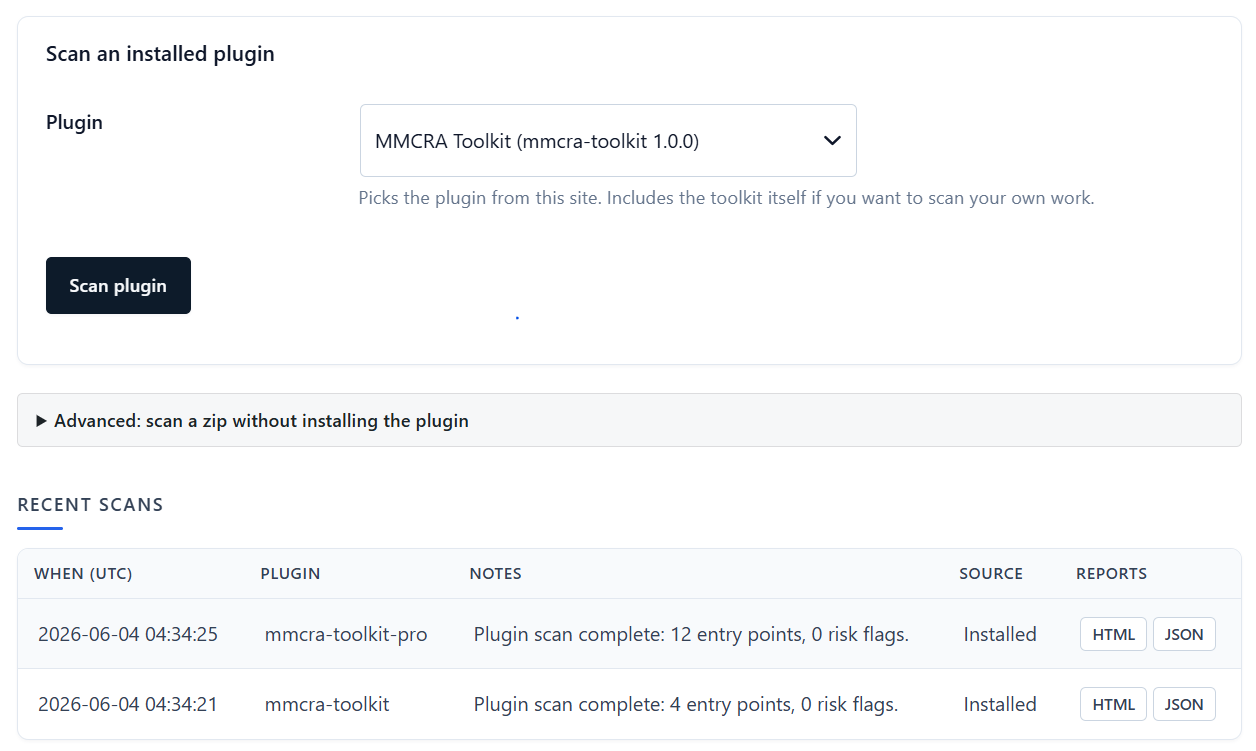
Every entry point, in one report
Entry points
REST routes, AJAX handlers (flagging public nopriv ones), shortcodes, cron events, and WP-CLI commands — the surfaces a request can reach.
Access controls
Where capability checks and nonce primitives appear, so gaps between an entry point and its guard are visible.
Persistence
Custom database tables, options, transients, and post/user meta keys your plugin reads and writes.
Outbound & filesystem
The external hosts your plugin calls and the file operations it performs — the data-flow an auditor asks about.
Risk flags
Known anti-patterns surfaced for review, so you can address or justify each before it ends up in someone else’s report.
HTML + JSON output
A readable report for humans and a structured JSON sidecar for tooling — suitable as Annex II Section 2 attack-surface evidence.
Evidence you produce, not promises you make
Claiming “we follow secure development practices” is one thing; handing over a map of every route, handler, and capability check is another. The Plugin Scanner turns the assertion into an artifact, and folds its HTML and JSON output straight into the one-click Compliance Bundle.
The Plugin Scanner is a Pro feature, included in every Pro tier.
scan output
scan-mm-table-pro-...-142901.html
scan-mm-table-pro-...-142901.json
→ bundled into the regulator-ready ZIP
→ SHA-256 logged in the audit trail Where the scan fits in the CRA
Annex II of the Cyber Resilience Act expects the technical file to describe the product’s design, development, and the assessment of its cybersecurity risks — including the attack surface. A map of your plugin’s routes, handlers, access controls, and data flows is concrete evidence that you’ve looked at where the product is exposed, rather than asserting it in prose.
The scanner produces that evidence on demand and keeps it next to the SBOM and Declaration of Conformity in your technical file.
Map it before someone else does.
Run the scanner, review the flags, and ship the report as part of your technical file.
Plugin Scanner questions
Is this a vulnerability scanner?
It’s a static attack-surface mapper, not an exploit scanner. It enumerates where your plugin is exposed — routes, handlers, capability checks, data flows — and flags known risk patterns for you to review. For dependency vulnerabilities, see OSV monitoring.
What does it output?
An HTML report for review and a machine-readable JSON sidecar, both suitable as Annex II attack-surface evidence and both bundled into the Compliance Bundle ZIP.
Does it scan my whole site?
No. It analyses the specific plugin you point it at, so the report describes the code you ship rather than the host install.
Is it in the free plugin?
No, it’s a Pro feature, included in all three Pro tiers along with monitoring, the Incident Center, and the Compliance Bundle.